GPT Image 2.6 GIF Generator
GPT Image 2.6 GIF mode turns a prompt, a sketch or a still image into a short looping animation — mascots, stickers, product spins and storyboards.
1 free generation when you sign up · 10 credits per GIF on Sunburst
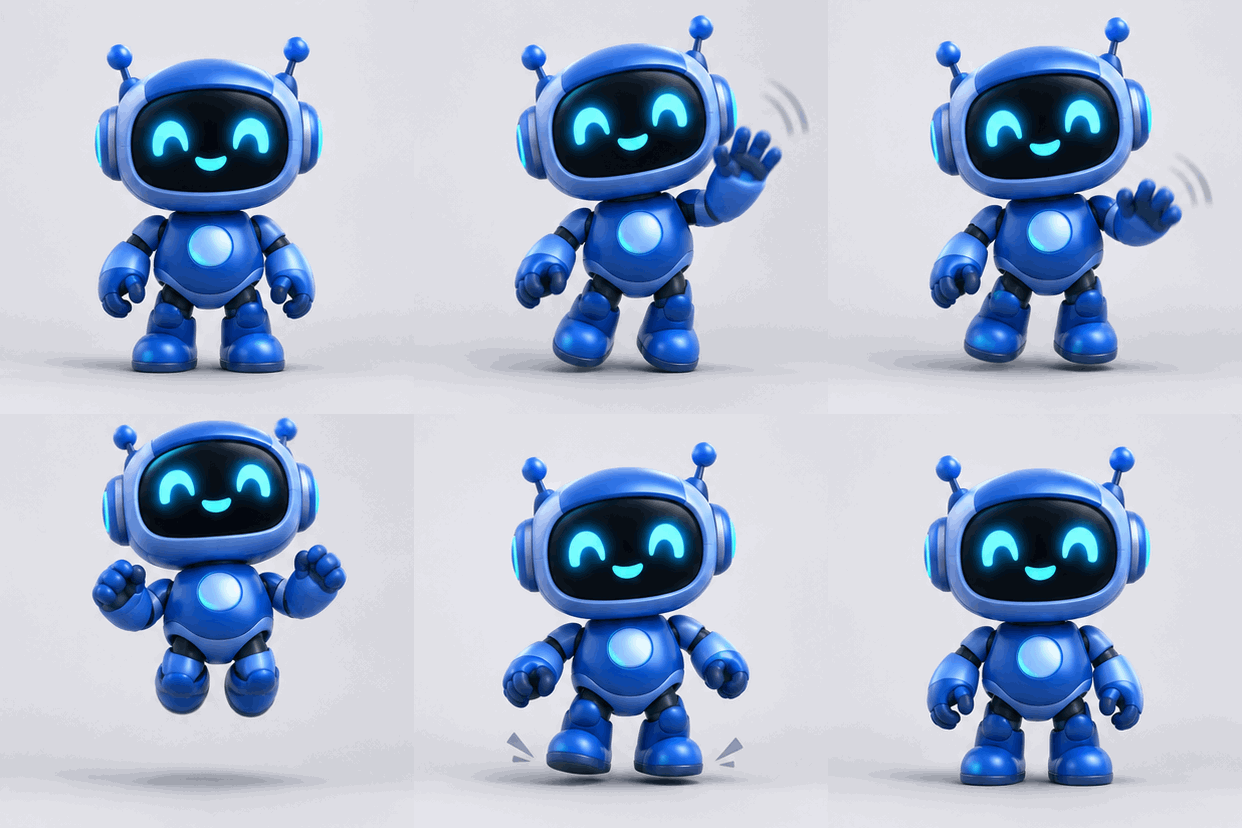 GIF
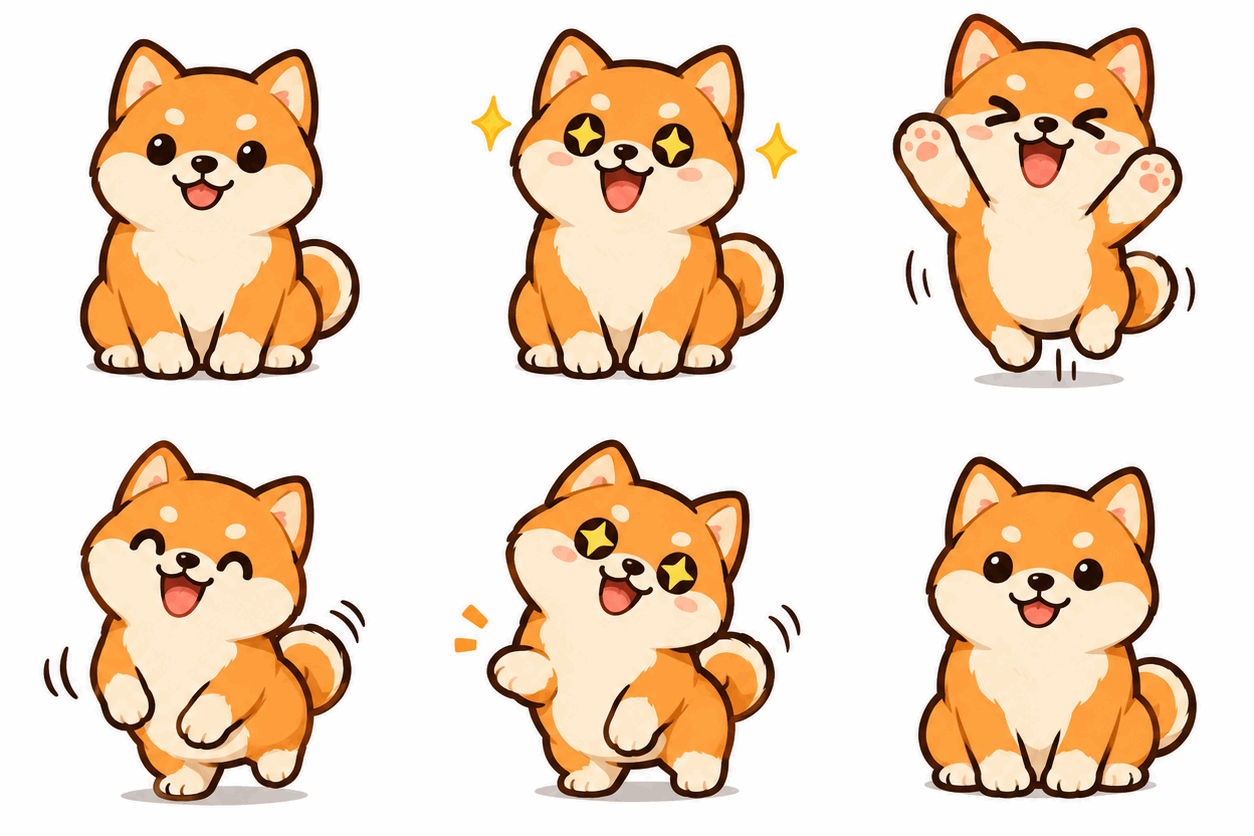 GIF
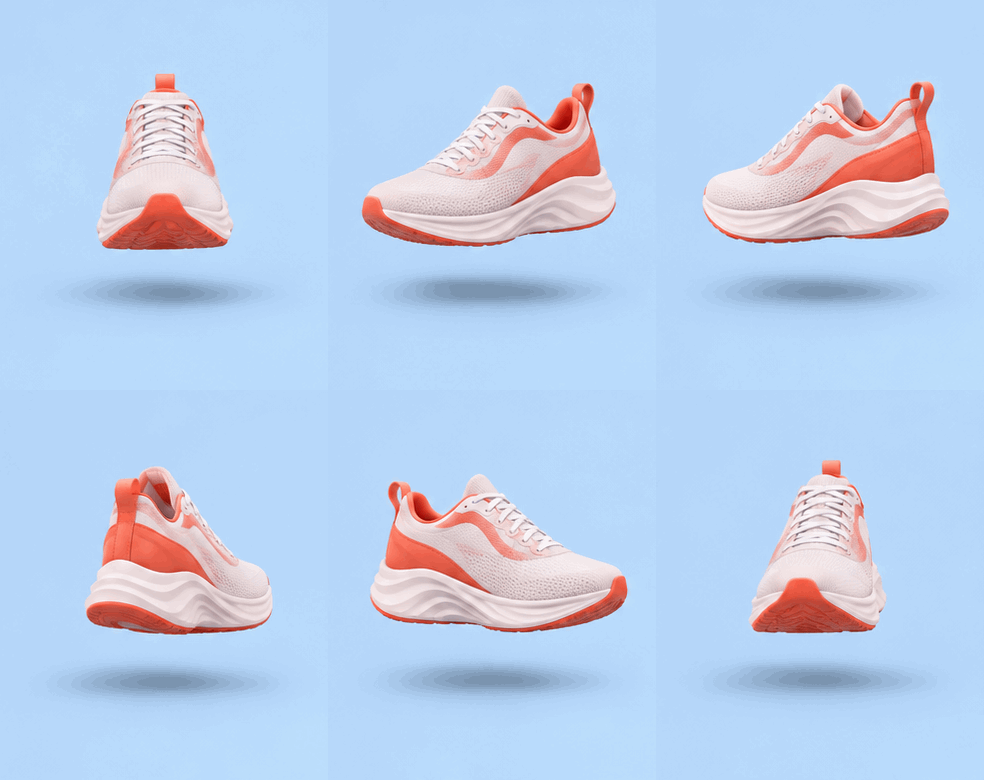 GIF
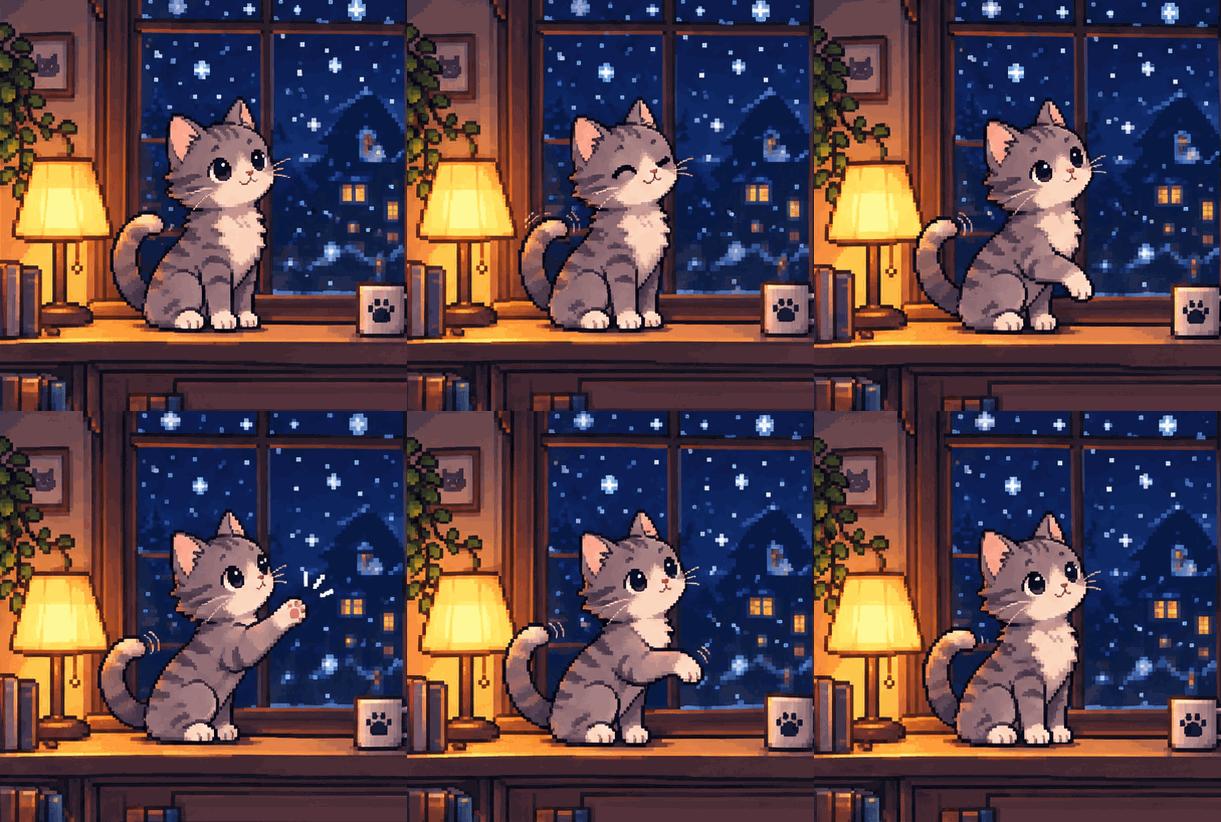 GIF
Animated GIF Examples
Every loop below was generated from a single prompt. Open one to see and reuse the prompt.
How to Make a GIF with GPT Image 2.6
01
Describe the subject
Say who or what moves, and the style — 3D toy, pixel art, flat cartoon or product photo.
02
Describe the motion
Write the action as a short sequence: notices, reacts, settles back. Ask for a seamless loop.
03
Generate and download
Preview the loop, adjust speed or a single frame, and download the GIF.
What You Can Animate
OpenAI built GIF output for marketers, creators and product teams. These are the jobs it handles best.
Brand mascots
Give your mascot a wave, a nod or a celebration for campaigns and onboarding screens.
Reaction stickers
Make expressive loops for chat, social posts and memes with flat, bold outlines.
Product loops
Spin a sneaker, pour a drink or open a box — eye-catching motion for ads and shop pages.
App micro-animations
Typing indicators, loading characters and empty states with personality.
Want the prompt technique behind smooth loops? Read how to make a GIF with GPT Image 2.6.
Prompt Tips for Smooth Loops
A looping animation is a handful of frames that must agree with each other. The more you pin down, the less the model has to guess between frames. Name one subject, one style and one camera angle, and keep the background plain — busy scenes make frames drift and files grow.
Write the motion as two or three beats rather than a story: "notices the chart, eyes widen, then cheers" is easier to animate than a full scene. Always finish with "seamless loop" or say that the last frame flows back into the first, so the animation does not jump when it repeats.
GPT Image 2.6 can also start from an existing picture. Upload a mascot, a product photo or even a pen sketch and describe what should move. Draft the motion with Flare, then render the version you like with Sunburst for cleaner, more consistent frames.
Frequently Asked Questions
The model plans a short sequence of frames from your prompt and returns them as a looping animation. OpenAI's own examples describe the motion step by step — for instance a 6-frame sequence where the last frame flows back into the first.
Early reports put the API range at 2 to 64 frames, limited by size and pixel budget. Short gestures look good at 6–9 frames; rotations and walk cycles need more.
Yes. GPT Image 2.6 can animate a still image or a hand-drawn sketch — OpenAI's launch post shows a pen sketch of an owl turned into an animated character.
Brand mascots, reaction stickers, product loops for ads, app micro-animations like typing indicators, and animated storyboards before video production.
No. gptimage26.com is an independent GPT Image 2.6 generator and is not affiliated with OpenAI.