GPT Image 2.6 SVG Generator
GPT Image 2.6 can export vector SVG files — logos, icons and flat illustrations you can scale to any size and edit path by path.
1 free generation when you sign up · 4 credits per SVG on Sunburst
 SVG
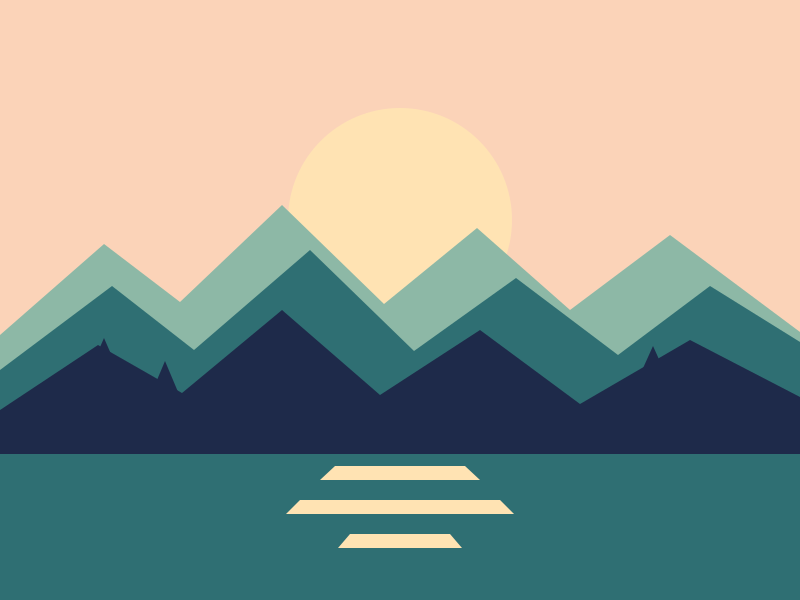 SVG
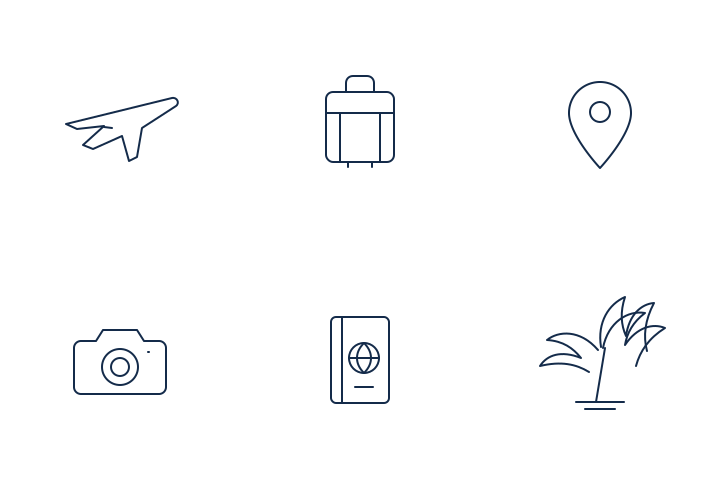 SVG
SVG Examples
Vector files generated from a single prompt, each under a few kilobytes.
How to Create an SVG with GPT Image 2.6
01
Describe the shapes
Name the subject and keep it graphic: flat polygons, clean lines, a simple silhouette.
02
Set colors and size
Give exact hex colors, a viewBox such as 512×512, and a transparent background for logos.
03
Download and edit
Open the SVG in Figma, Illustrator, Inkscape or your code editor and tweak anything.
Why Vector Output Matters
Until now, image models gave you pixels. That works for photos, but a logo or an icon has to live everywhere — a 16-pixel favicon, a retina app icon, a printed banner. Pixels blur when you scale them up, so designers used to redraw or trace every generated mark by hand before it could ship.
GPT Image 2.6 removes that step. It describes the artwork as shapes and paths, so the same file stays crisp at any size and weighs only a few kilobytes. Because every color and curve is a separate element, you can recolor a brand mark, swap a shape or animate it with CSS without touching an image editor.
The best results come from graphic subjects: flat logos, line icons, badges, simple landscapes and diagrams. Keep the palette short, name exact hex colors and describe the picture in layers — background, main shape, details. For rich textures, lighting and photographic depth, switch back to Image mode and export a PNG or WebP instead.
SVG vs PNG: When to Use Each
Choose SVG when the artwork must stay sharp and editable; choose PNG for rich, photo-real detail.
| Feature | SVG | PNG |
|---|---|---|
| Scales without blur | Yes — any size | No — fixed pixels |
| Edit colors and shapes | Yes, path by path | Only by repainting |
| Typical file size | 1–20 KB for logos | 100 KB–3 MB |
| Best for | Logos, icons, flat art | Photos, detailed scenes |
Frequently Asked Questions
Yes. SVG export arrived with GPT Image 2.6 so designs are ready for websites, apps and print without tracing a bitmap by hand.
Logos, icons, badges and flat illustrations built from clear shapes and a limited palette. Photo-real scenes are better as PNG or WebP images.
Yes. The file contains normal vector paths you can open in Figma, Illustrator, Inkscape or a code editor to change colors and shapes.
Give exact hex colors, ask for flat shapes with no gradients, set a viewBox size, and request a transparent background for logos.
No. gptimage26.com is an independent GPT Image 2.6 generator and is not affiliated with OpenAI.