New: GIF & SVG output — released Nov 4, 2026
GPT Image 2.6 Generator
GPT Image 2.6 turns one prompt into a photo-real image, a looping GIF or a crisp SVG vector — online, in seconds, with OpenAI's new Flare and Sunburst models.
1 free generation when you sign up · 4 credits per Image on Sunburst
 Image
 Image
 Image
 Image
What's New in GPT Image 2.6
GPT Image 2.6 is OpenAI's November 4, 2026 image model update. These four upgrades are what make it different from GPT Image 2.
Read the full release breakdown →Animated GIFs
Turn a prompt, a sketch or a still image into a short looping GIF. Adjust speed and fix single frames.
SVG vector export
Logos, icons and flat illustrations as resolution-free vectors for websites, apps and print.
Reference images & markup
Keep a person, pet or product consistent, and draw on an image to show exactly what to change.
Flare & Sunburst
A 6-second draft model and a high-detail model. OpenAI says generation is 50% faster than before.
GPT Image 2.6 Examples
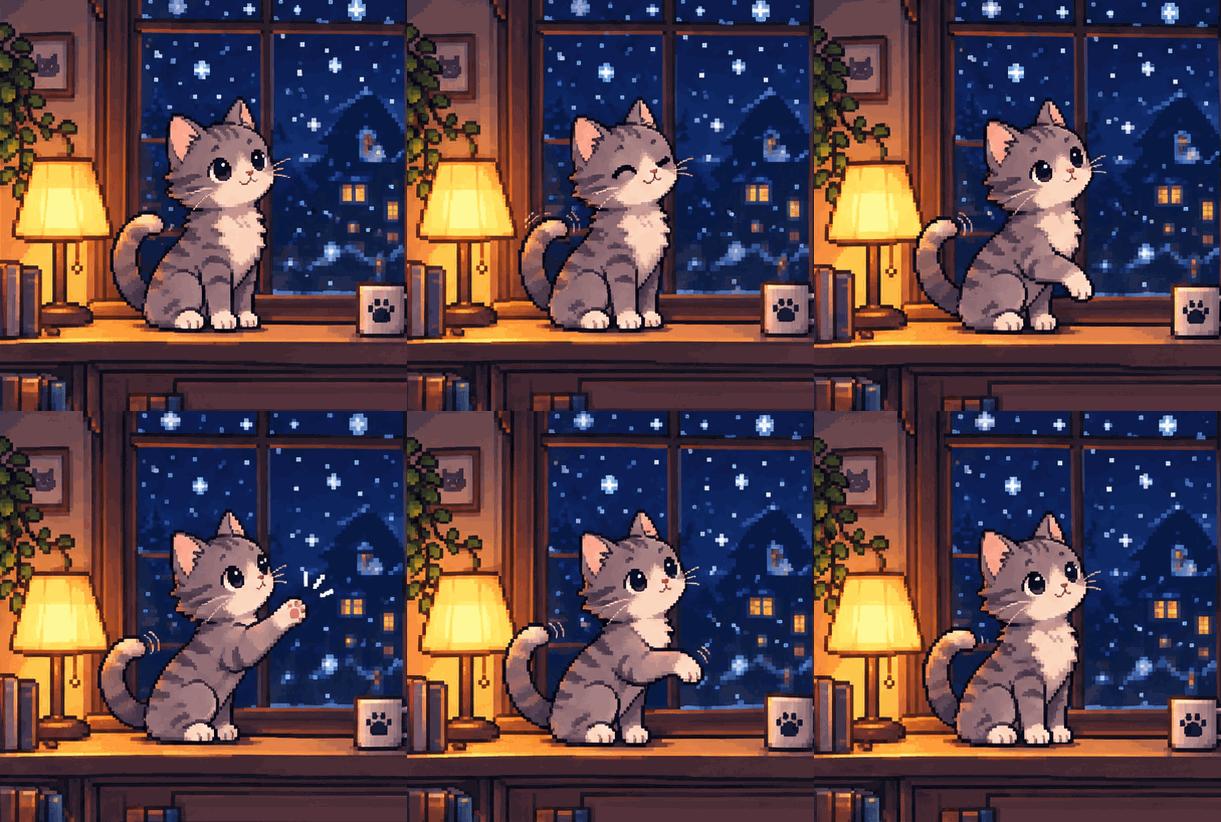
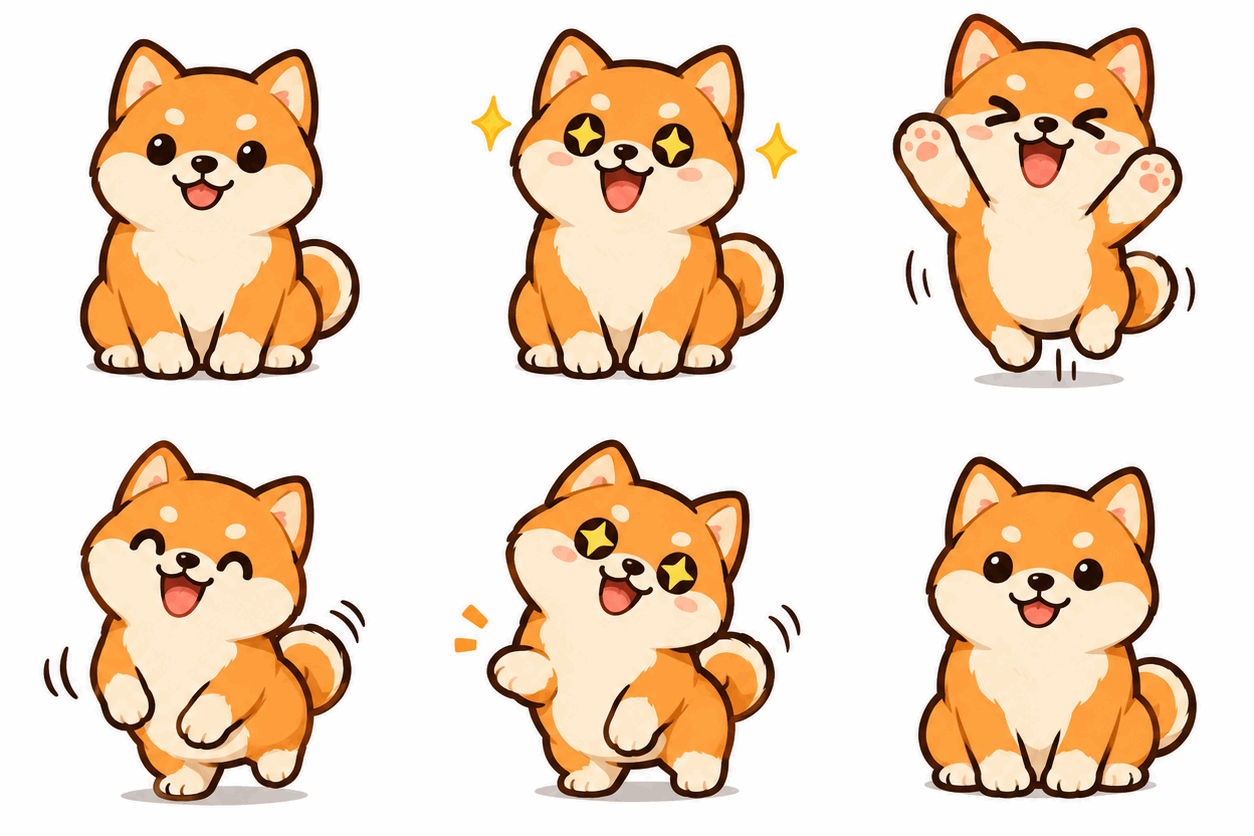
Real outputs with their prompts. Open one to copy the prompt and remix it.


What You Can Create with GPT Image 2.6
GPT Image 2.6 covers the everyday visual work of marketers, creators and product teams — from a single product photo to a looping mascot or a vector logo.
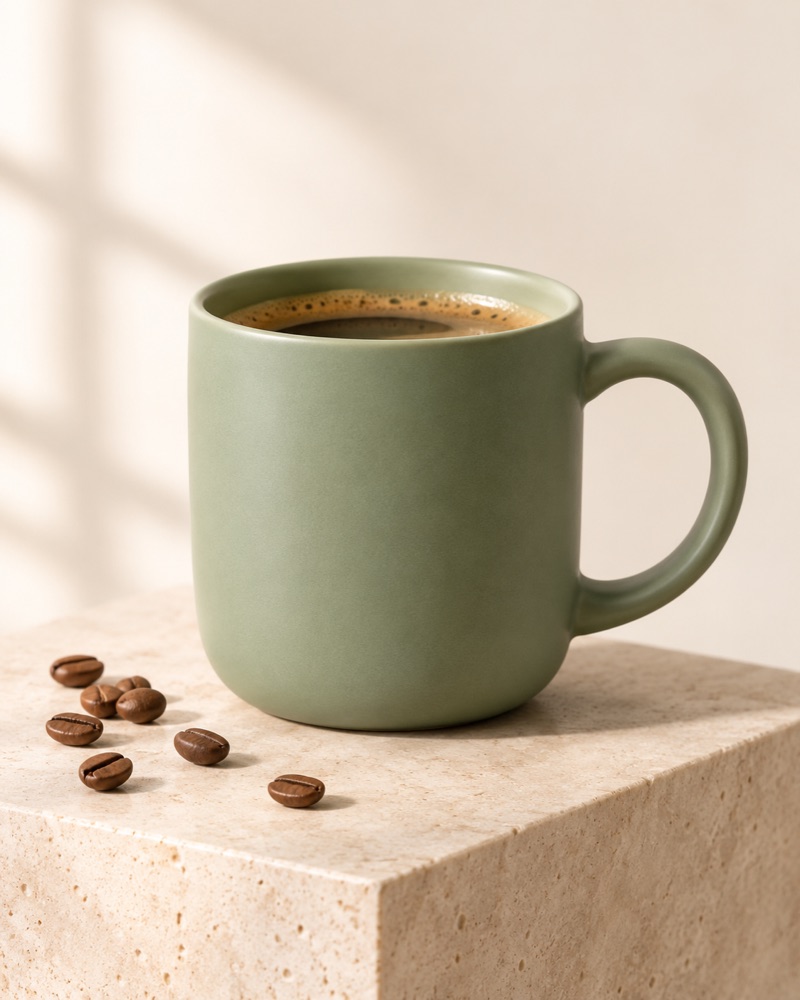
Product photos for e-commerce
Studio-style shots with controlled light and clean backgrounds. Use Sunburst for the final hero image and keep the same product consistent across angles and edits.
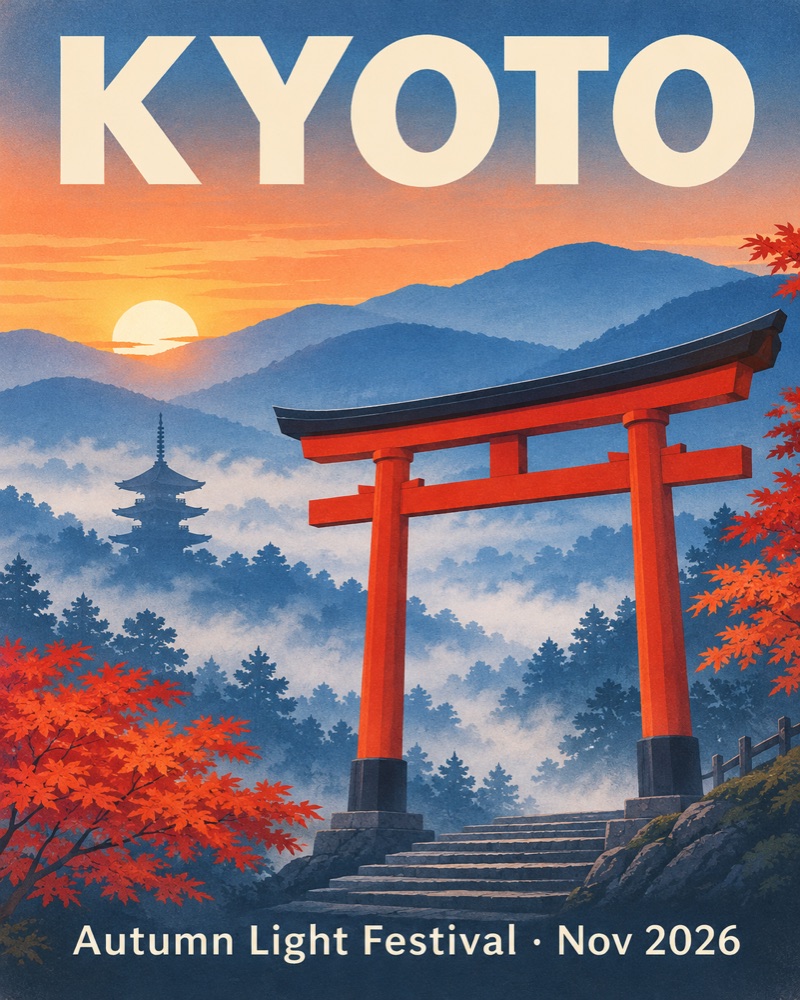
Posters, ads and thumbnails
GPT Image 2.6 renders headline text accurately, so posters, social ads and YouTube thumbnails come out with correctly spelled copy and a balanced layout.
Animated mascots and stickers
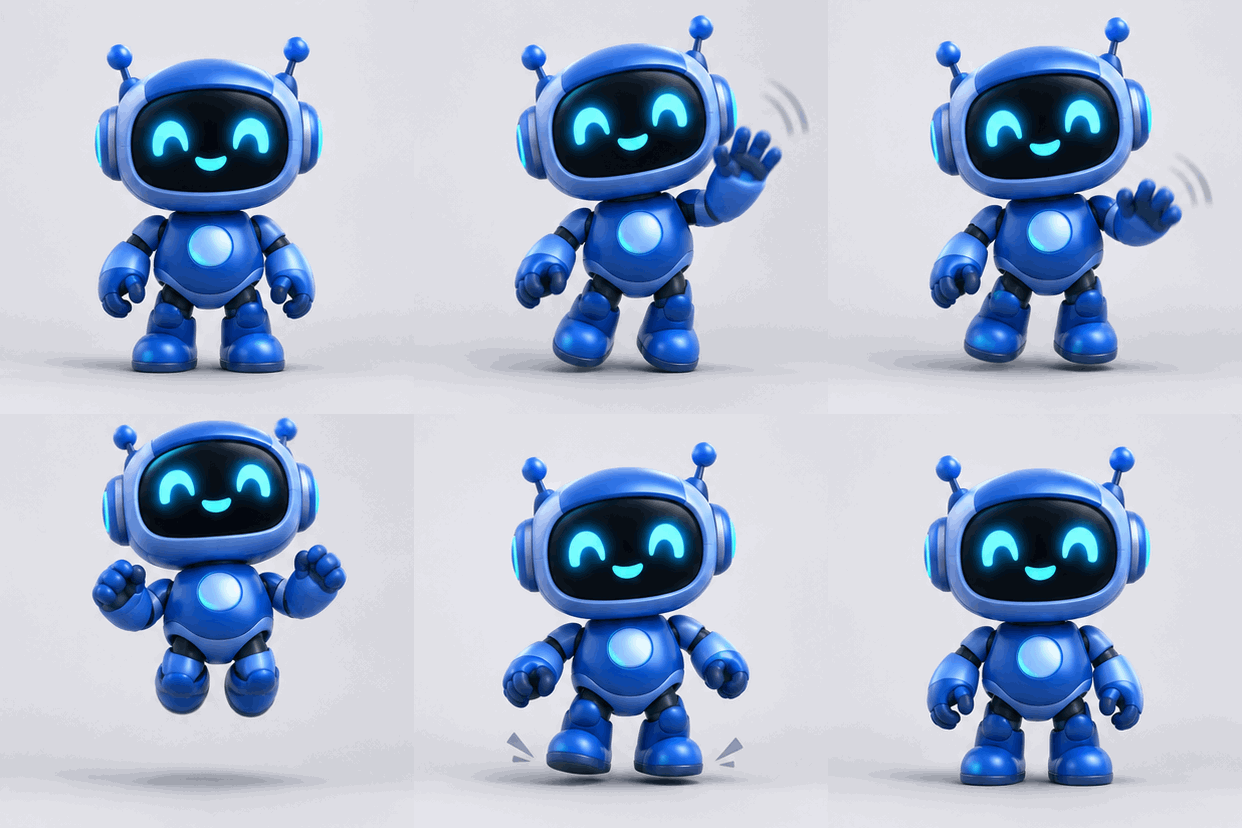
Give a brand character a wave or a celebration, or make reaction stickers for chat. GIF mode turns the motion you describe into a seamless loop.
Product loops for ads
A rotating sneaker or a pouring drink catches the eye in a feed. Short GPT Image 2.6 GIF loops work in ads, shop pages and email headers.
Logos, icons and brand marks
SVG mode produces vector files you can scale from favicon to billboard and edit in Figma or Illustrator — no tracing needed.
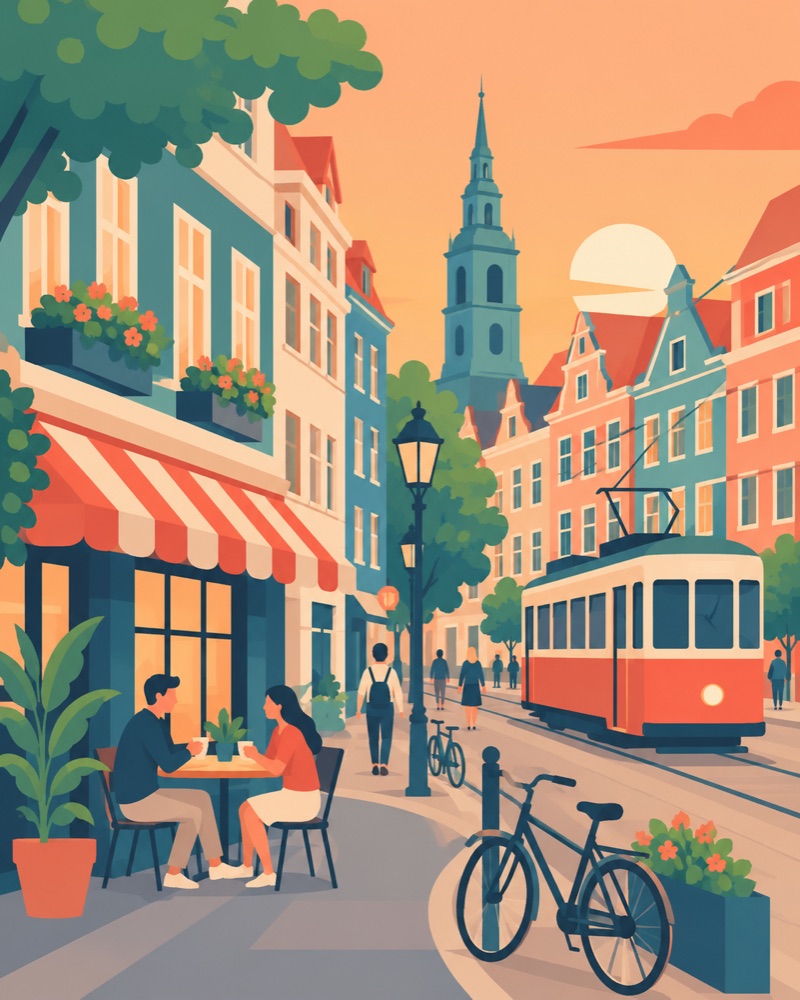
Illustrations and storyboards
Flat illustrations for blogs and landing pages, or animated storyboards to test character movement before committing to video production.
GPT Image 2.6 vs GPT Image 2
GPT Image 2 produced still images — PNG, JPEG and WebP. GPT Image 2.6 adds what designers kept asking for: motion and vectors. You can now get an animated GIF or an SVG file straight from a prompt instead of exporting a still and animating or tracing it in another tool.
The second change is choice. Instead of one model, GPT Image 2.6 gives you Flare for fast, low-cost drafts and Sunburst for final, detailed renders that stay consistent across edits. Image markup lets you circle the exact area to fix, so small corrections no longer mean regenerating the whole picture.
Finally, it is quicker. OpenAI reports 50% faster generation, and Flare can return a low-quality draft in about six seconds — fast enough to iterate on a layout in real time.
How to Use GPT Image 2.6
01
Pick a format
Choose Image, GIF or SVG, then Flare for speed or Sunburst for detail.
02
Describe it
Write the subject, style and motion. Add a reference image to keep a character or product consistent.
03
Refine and download
Mark up the areas to change, then export PNG, GIF or SVG for your project.
Flare vs Sunburst
Two GPT Image 2.6 models, one subscription. Start with Flare to explore, finish with Sunburst.
Flare
Built for speed and iteration
- Speed
- As fast as ~6 s (low quality)
- Best for
- Drafts, social posts, ideation
- Credits
- 1 per 1K image
Sunburst
Built for detail and consistency
- Speed
- Slower, higher fidelity
- Best for
- Product shots, brand assets, edits
- Credits
- 4 per 1K · 8 per 2K
GPT Image 2.6 Pricing Plans
Planned launch pricing — monthly credits, secure checkout with Stripe, cancel anytime. Reserve a plan now and lock in the launch price.
Basic
$9.9 / mo
200 credits every month
- Flare + Sunburst models
- Image, GIF & SVG output
- Commercial license
Pro
Most popular$19.9 / mo
500 credits every month
- Everything in Basic
- Saved reference images
- Priority queue
Max
$49.9 / mo
1,500 credits every month
- Everything in Pro
- 2K resolution
- Batch generation
Frequently Asked Questions
GPT Image 2.6 is OpenAI's image model update released on November 4, 2026. It is branded ChatGPT Images 2.6 in ChatGPT and ships in the API as two models, GPT-Image-2.6 Flare and GPT-Image-2.6 Sunburst, with new GIF and SVG output.
Yes. GPT Image 2.6 can turn a prompt, a sketch or a still image into a short looping GIF — mascots, reactions, product spins and storyboards. On gptimage26.com you choose GIF mode, describe the motion and download the loop.
Yes. SVG export is one of the headline features of GPT Image 2.6, aimed at logos, icons and flat illustrations that need to scale for websites, apps and print.
Flare is tuned for speed — OpenAI says it can return an image in about six seconds at low quality. Sunburst gives higher detail and keeps characters and products more consistent across edits at medium or high quality.
Generation on gptimage26.com is launching soon. Every new account will get 1 free generation, and paid plans start at $9.9 per month. Join the waitlist to be notified and keep the launch price.
Under OpenAI's terms you own the images you create, so you can use them in commercial projects. You are responsible for making sure your prompts and outputs do not infringe anyone else's rights.
No. gptimage26.com is an independent service built on the GPT Image 2.6 API. It is not affiliated with, sponsored or endorsed by OpenAI.